
Best monitors always help you sail through all your activities. Having a perfect monitor in your arsenal for game development is not only a necessity but a prerequisite condition to becoming a professional game developer. A sub-par monitor always brings along headaches, eye strain, and a lot of frustration when you are not being able to run it properly. Handling complex projects is always easier when you have a monitor that is specially designed only for that purpose.
Though it’s not easy to find such monitors in the market filled with thousands of products all claiming to be the best in their respective fields. But we cannot trust each one of them. Thus this handy guide today takes you through all the best available monitors in the market which are made for game developers. The monitors in the list are well tested beforehand and are reviewed by experts as a testament to their authenticity.
Our Top Picks Best Monitor For Game Development:
We have enlisted the best monitor for game development for you that can give you the ultimate experience. Our team of experts has done extensive research and have come up with a list of these monitors with endless features.
1. ASUS PB287Q – Best 4K Monitor
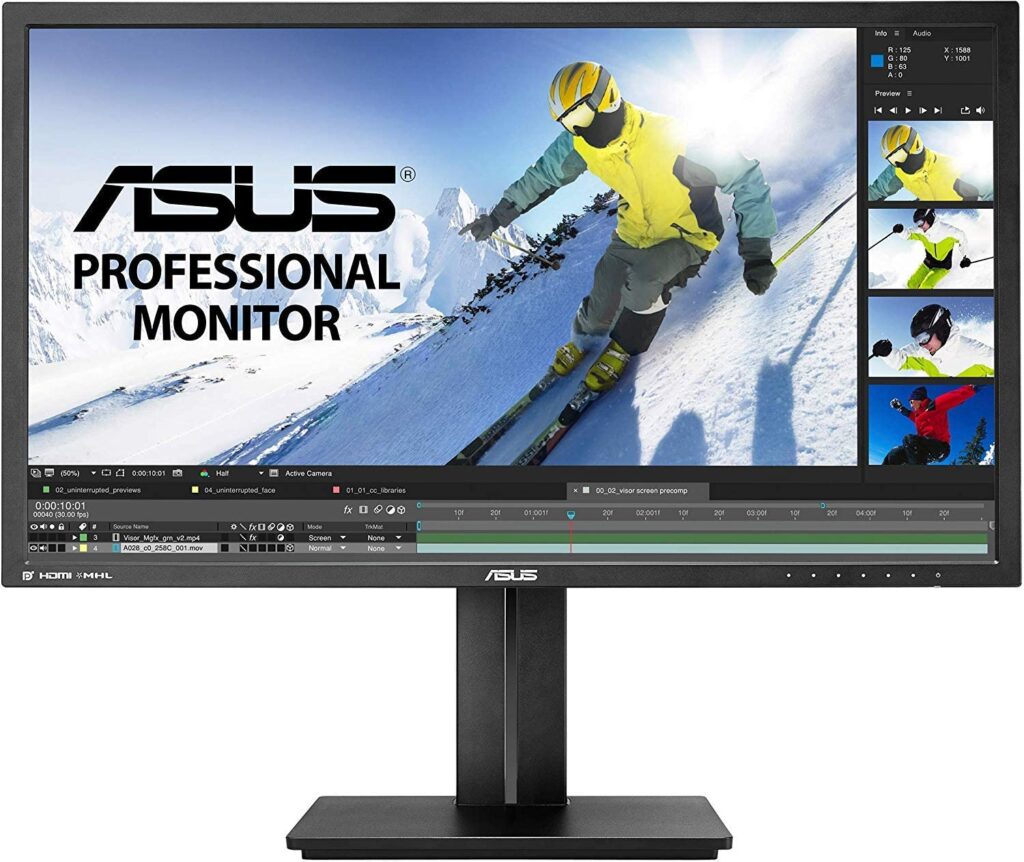
One of the best companies in the tech market, ASUS produces some exceptionally best monitors for almost any field in the tech industry. The ASUS PB287Q has a simple design and is one of the sophisticated monitors for the workplace. It suits those users working for programming or gaming. Superior performance and professional look is the monitor’s description. Its notable features include fantastic image quality and a good quality ergonomic stand.
It has a screen size of 28-inch suitable and standard size for game developers. It boasts an incredible display resolution of 3840×2160 pixels that delivers clear images and crisp text. A fast response time of 1ms and a refresh rate of 60Hz on the 4k screen gives it a leap to outrank other gaming monitors.
Awesome visual experience with top-quality graphics and colour reproduction. Though not to be a deal-breaker the monitor is thick as compared to the dimensions of other gaming monitors. The PiP and PbP modes boost your productivity by letting you adjust the display content from multiple sources simultaneously. This helps you shiftless your view from the screen while working on a complex project which involves opening multiple documents at the same time.
The last great feature of the monitor is its ergonomic stand, though a bit large for programmers’ taste it gives you the flexibility to adjust the monitor screen to the perfect viewing position. You can tilt, adjust the height, and switch between landscape and portrait modes depending on the task.
2. LG 32MA68HY-P- Best Large Screen Monitor
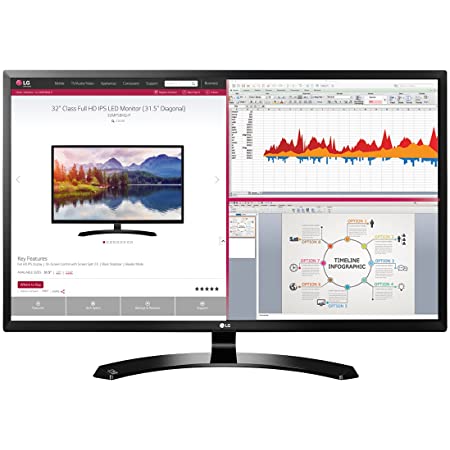
It’s very difficult to find a large screen monitor with breath-taking features and at a reasonable price. The LG 32MA68HY-P has it all to take its place on this list. The monitor has a 32-inch screen which is specially designed for programmers. It offers bright, clear, and sharp text.
Its picture quality will blow your mind and the superior colour reproduction makes every penny you spent worth it. In addition to game development, it is also very feasible to be used for other everyday tasks. It has a full HD 1080p resolution with a 16:9 aspect ratio that is well suited for gaming niches. It offers a 1ms fast response time and a 60Hz refresh rate for smooth running of fast-moving pictures without any screen tears.
Though it lacks a DVI port and speakers the feature that makes it stand out is the split-screen feature. The large screen seamlessly accommodates multiple windows simultaneously from different sources and lets you compare or evaluate your data without any view shift. The monitor has various port options including one built-in USB hub that lets you have the freedom of connecting any device.
3. Samsung C32F391FWN- Best-Curved Screen
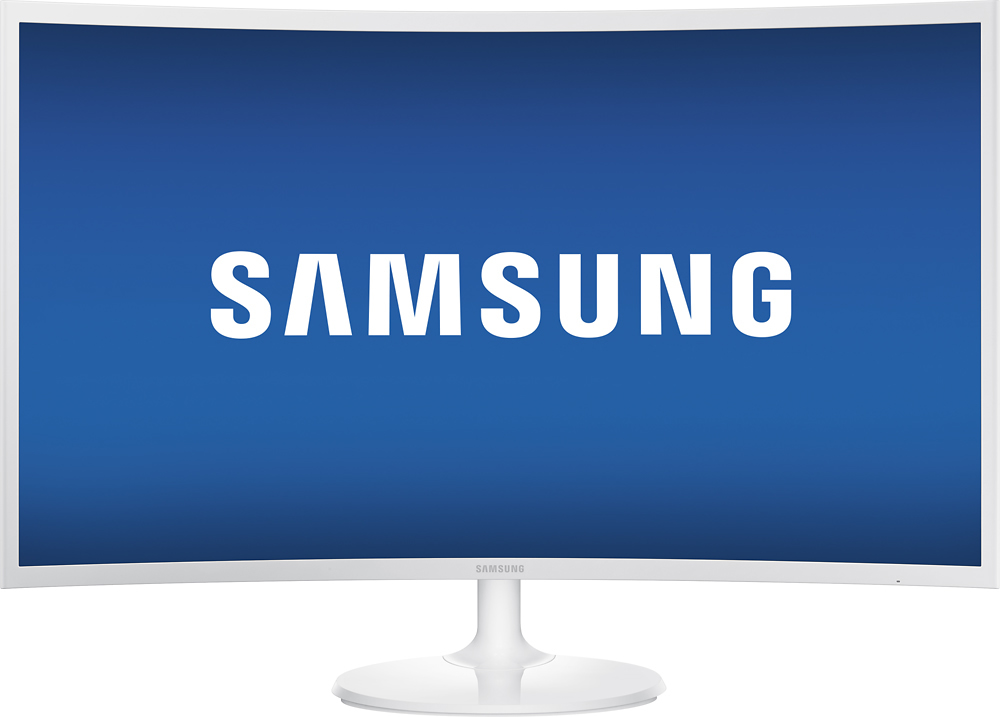
The Samsung C32F is packed with numerous incredible features that can be rarely seen on a single device. It truly delivers when performance is concerned and is elegant design.
The large screen monitor boasts an ultra-slim curved design with 1800R curvature and a glossy shiny silver frame. Its structure includes sharp edges and a circular stand. Being large it occupies a large space, to save your desk space you can simply mount it on the wall for an aesthetic appearance. A small joystick is present on the lower back of the monitor that allows you quick access to navigate the control menu.
The Samsung monitor has a 32-inch screen with a display resolution of 1920×1080. It also has a 60Hz refresh rate and a fast response time of 4ms. Though not having a 4k display still working on the monitor is satisfactory. A keen programmer working on a 27-inch screen can easily notice the difference in the pixels the Samsung monitor provides.
The exceptional picture quality on a truly immersive screen and overall performance is a boon for programmers or game developers. Being large in landscape it allows you to open multiple windows simultaneously.
4. Sceptre E205W- Best Low-Budget Monitor
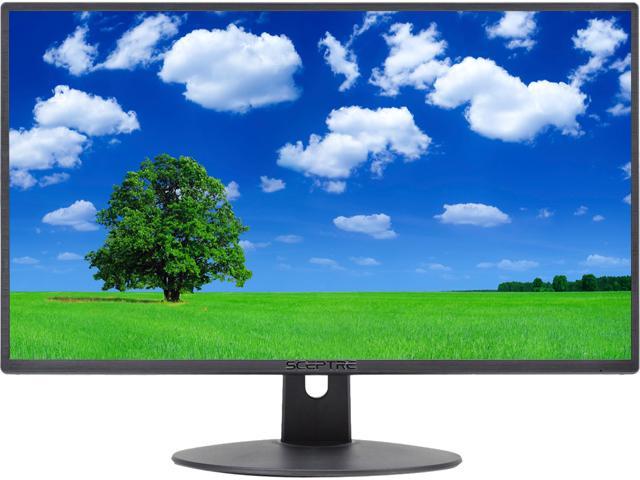
The Sceptre E205W got its place in the list as one of the best budget monitors. Programmers who want to have a great deal at a comparatively low cost can opt for this sceptre monitor. Though budget-friendly and not top-ranking it offers some value that is undoubtedly hard to pass.
The spectre E205W features a 20-inch screen which is perfect for programming work. It is a lightweight machine and has relatively smaller dimensions to fit on any small desk. This suits best those users struggling with less desk space.it lacks FHD but has an HD+ display with a resolution of 1600×900 pixels and a 16:9 aspect ratio. The monitor produces rich and well-saturated colours though not as impressive as high-end panels.
The monitor stand lacks the most required feature of height adjustment and is only capable of tilting back and forth from 5 to 15 degrees. For easy working, a comfortable viewing position is necessary and the monitor provides it with both on the desk or while mounted on the wall with the help of a VESA mount.
The plus points of the monitor also include its HDMI, DisplayPort, and VGA inputs which let you connect external peripherals. The built-in speakers are satisfactory for playing games. The absence of USB ports can be marked as a flaw of the monitor.
5. Samsung CHG90 Series- Best Ultra-Wide
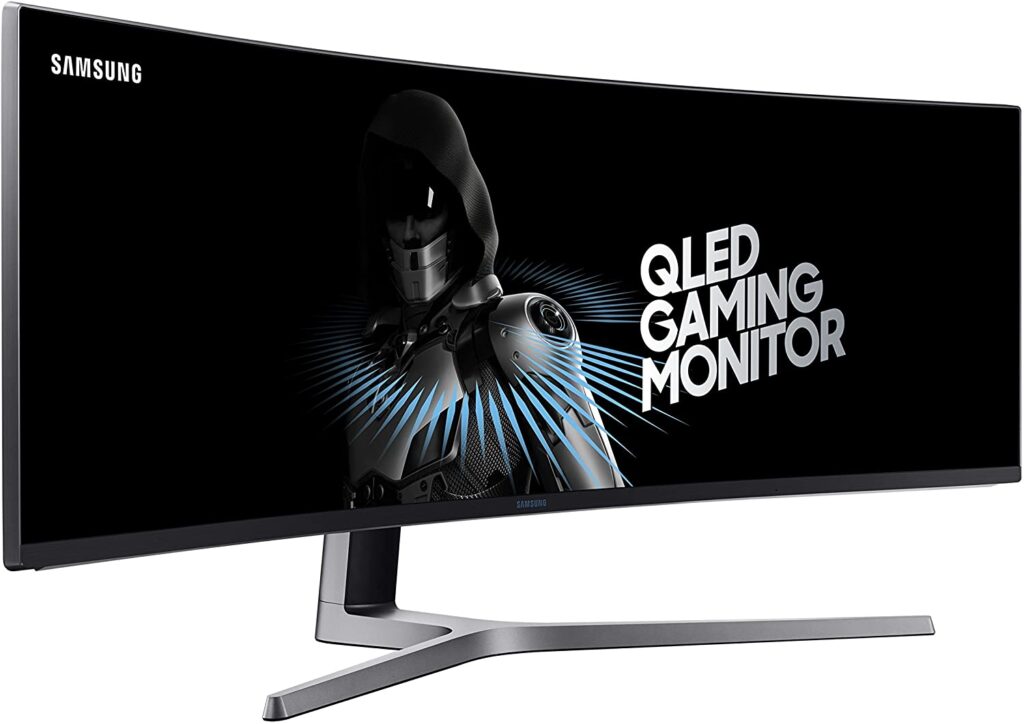
Next is the list is other Samsung products. This monitor is one of the huge monitors available in the market which serves various purposes including game development. To get this monitor there are two prerequisites: one is enough desk space and the other is a few extra dollars. Despite its hefty price, the features of this monitor encourage you to spend a bit more.
It has a 49-inch screen with an aspect ratio of 32:9. One of the widest and 1800R curvatures is equivalent to having two 27-inch monitors side by side. Those longing for a dual monitor setup for their tasks can hassle-free choose this single monitor equivalent. It features a 144Hz refresh rate and 1ms response time without any input lags and blurry images.
Seamlessly work on the huge screen as it is well suited for programmers. The split-screen feature lets you allow open multiple documents simultaneously on a single screen. 4k display users might easily notice the difference in pixels it provides on 1080p. It has AMD FreeSync technology with a flicker-free screen and eye saver modes to provide a truly immersive experience.
The CHG90 has some useful ports that include USB ports and two HDMI 2.0 Ports. If this monitor could be made better then we hope to get higher pixel density on the same overall performance.
6. HP N270H- Best Edge-Edge Monitor
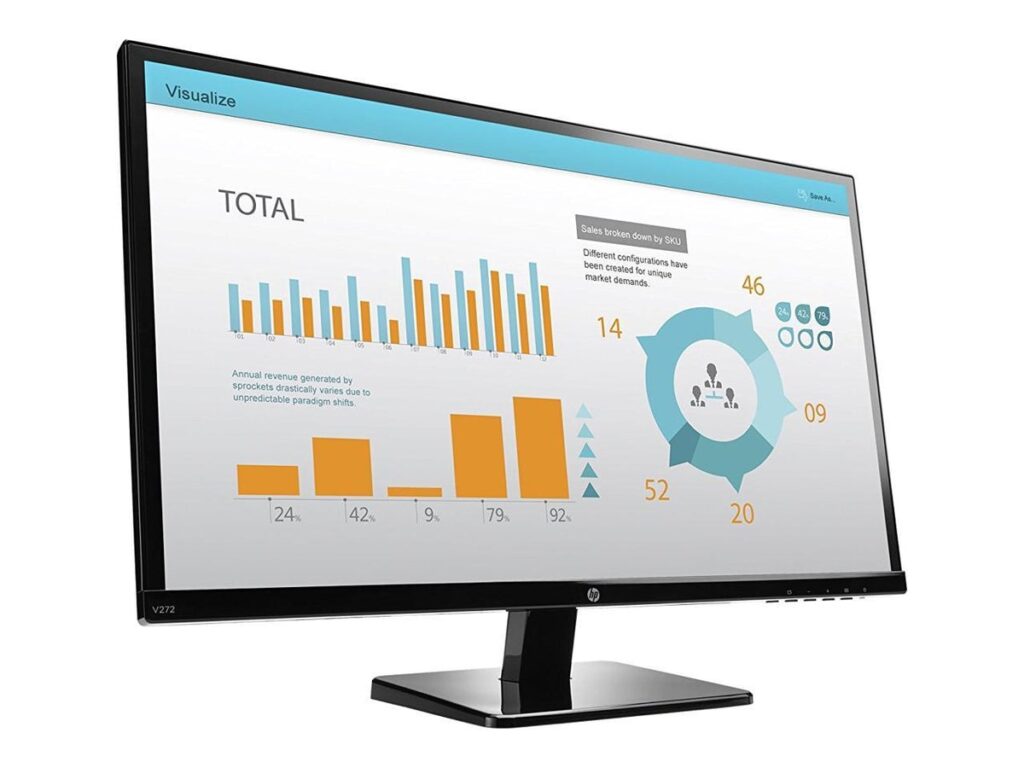
While including the top best monitor for game development how can one forget about a dominant company in the market? The HP product, the N270H competes to be one of the best monitors with its 27-inch screen and stylish elegant look.
It offers a superior gaming experience along with extraordinary visuals. It has a full HD resolution of 1920×1080 with a 16:9 aspect ratio. Thanks to its 250 nits brightness and 50M:1 contrast ratio that it delivers animation visuals with immense vividness and clarity. It reproduces almost any colour with its 72% colour gamut. The 60Hz refresh rate and 5ms response time let you play a number of games without any sort of lag issues.
The WLED backlit technology on the IPS panel makes a significant impact one can experience while gaming on the monitor. The Anti-glare surface, flicker-free technology, and low-blue light let you comfortably enjoy your work hours with minimal eye strain and fatigue. The wide-viewing angles let you view the screen from far-off angles.
Its connection facilities include HDMI¸ VGA and other ports for easy connectivity. A surprising feature the monitor has is backlight lamp longevity which can last for about 30000 hours.
7. Acer XFA240 bmjdpr- Best Refresh Rate Monitor
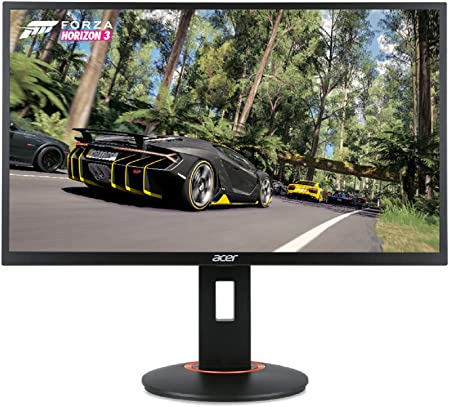
Another great product on the list is the Acer XFA240 which is a game developing machine that is known for its fast performance and superb colour display. Its 350cd/m2 brightness level produces incredible display output.
The monitor has a 24-inch screen with a resolution of 1920×1080. The FHD resolution on the TN panel helps it establish a great reputation for being well suited for programmers. Its 100M:1 contrast ratio and 16.7M displayable colour let you view every detail with exceptional depth. Further, the 178 degrees wide viewing angles won’t ever display blurred vision.
The machine produces smooth visuals by utilizing its 144Hz refresh rate and AMD FreeSync technology. The fast response time of 1ms will also make a great impact in both single-player and multiplayer games. The VESA mount feature enables it to hang on a wall and further change its height or swivel or tilt between 5 to 35 degrees.
The blue light filter and Acer eye care technology deals with all sorts of eye tiredness. In regards to connectivity, it has HDMI, DisplayPort, and DUAL-link DVI Port.
8. Acer G276HL Kbix – Best Monitor With VA panel
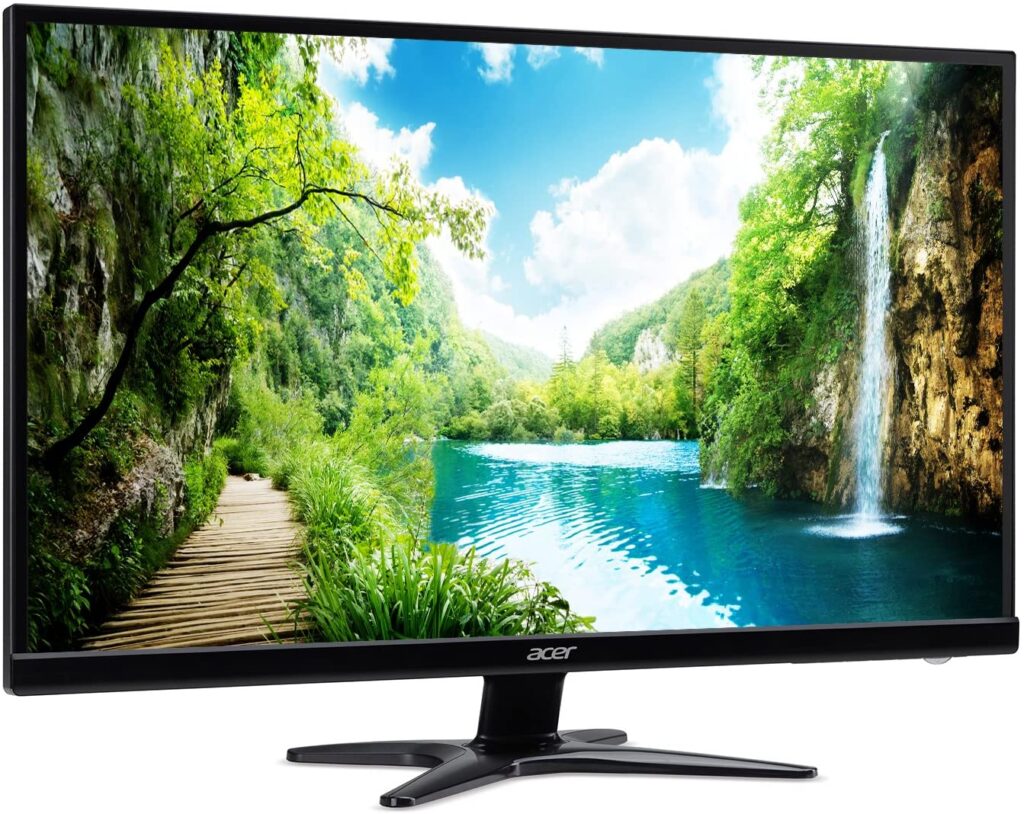
Another Acer product on our list is the Acer G276HL, just like the earlier product this product also has some good features to be in this list of the top best monitor for game development. It has a 300 nits brightness level and an eColor management which is responsible for its picture quality.
It bags a 1000:1 contrast ratio so clarity and black depth will never be an issue for any games you play. Further, the standard 60Hz refresh rate lets you seamlessly play without any lags and blurs. The 178 degrees wide viewing angles keep in check your optimum viewing experience from every side of the monitor.
It has a 27-inch widescreen display with an FHD resolution of 1920×1080 to ooze out never like before gaming output. It has a zero-frame and sleek design to suit its user’s field of interest. It is VESA enabled and is capable of wall mount.
It is geared with a vertical alignment which is widely used for the competitive and single-player gaming experience. The 4ms response time eliminates any sort of screen tearing. The gaming experience is elevated by the presence of dual speakers with decent sound quality. Further, its connectivity includes HDMI and VGA ports in the lower section.
9. ASUS VS278Q-P- Best FHD Monitor
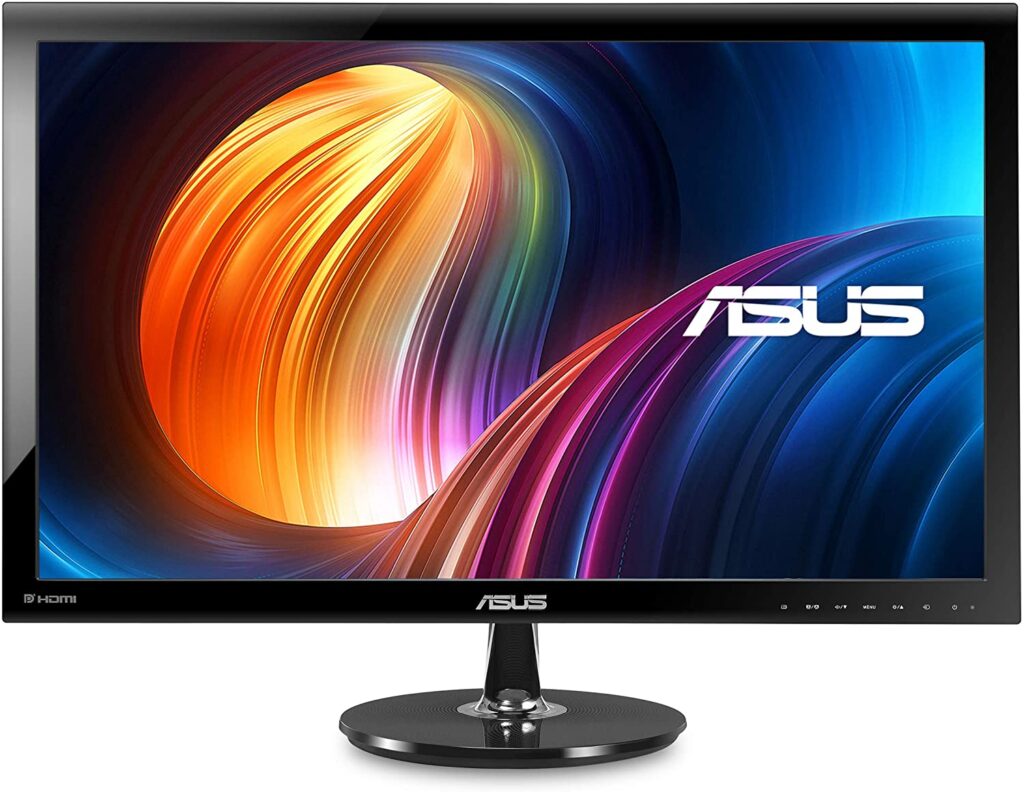
Yet another product from the leading industry, it’s the ASUS 278Q-P which is a highly rated gaming monitor featuring Full HD resolution and 0.311 mm pixel pitch to create awesome visual; output. It is designed with 300cd/m2 brightness and 80M:1 contrast ratio to deal with high clarity and vivid visuals.
It has a 27-inch screen with a resolution of 1920×1080 pixels. The exclusive splendid video intelligence technology takes you to a new world where every detail is optimized with intelligent colour brightness and sharpness. The 16.7M displayable colour helps in maintaining colour accuracy during the process.
Being competitive in the gaming world, the monitor features a 1ms fast response time to react in real-time with no stutters and screen tears. Further, wide viewing angles provide comfortable viewing for even a huge number of audience in the background.
A feature the monitor comprises which gets to be highlighted is the QuickFit that offers the real size for a photo, grids, and document modes. Its connectivity includes two HDMI ports. One VGA port and DisplayPort. Moreover, it is VESA mount enabled in case you wish to hang it on the wall.
Also Read: Best Laptop For Grand Theft Auto V
10. ViewSonic VA2746MH- Best Thin Bezel Monitor
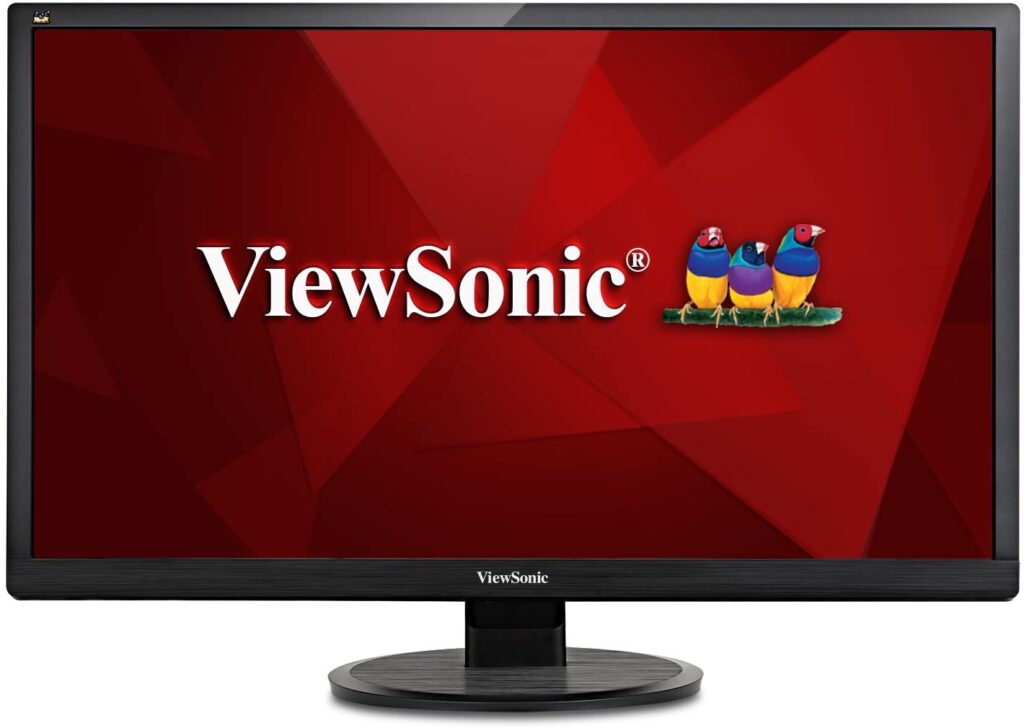
The ViewSonic VA2746MH is the last best product on the list which is well suited for any programming tasks and game development. It has a mega dynamic contrast ratio that maintains a proper balance between darkest and brightest colours to always deliver accurate rich colours.
It has a 27-inch screen with an FHD resolution of 1920×1080 that delivers pixel by pixel image performance. The thin bezel is ideal to use at homes and offices and at any environment. The flicker-free technology and blue-light filter provide all-day comfort to the eyes, while wide viewing angles never lets a picture gets blurred from your vision.
Performance wide the monitor delivers the best it can with a 5ms response time for crisp pictures and smooth playback. The monitor is VESA enabled and can be conveniently mounted on a wall to save some desk space.
The dual integrated speakers combine incredible stereo sound for an immersive multimedia experience and gaming. Thanks to its HDMI ports that allow connectivity to external HD devices. It has an eco mode to become energy efficient and has a warranty of 3 years.
Conclusion:
This was the list of top 10 best monitor for game development in 2022. This list can be considered as a comparison between a variety of best available models of monitors. No matter you use the monitor for other purposes, a gaming monitor always stands out in every requirement. Do remember to go through user reviews before jumping to a conclusion.